Keyboard Policy#
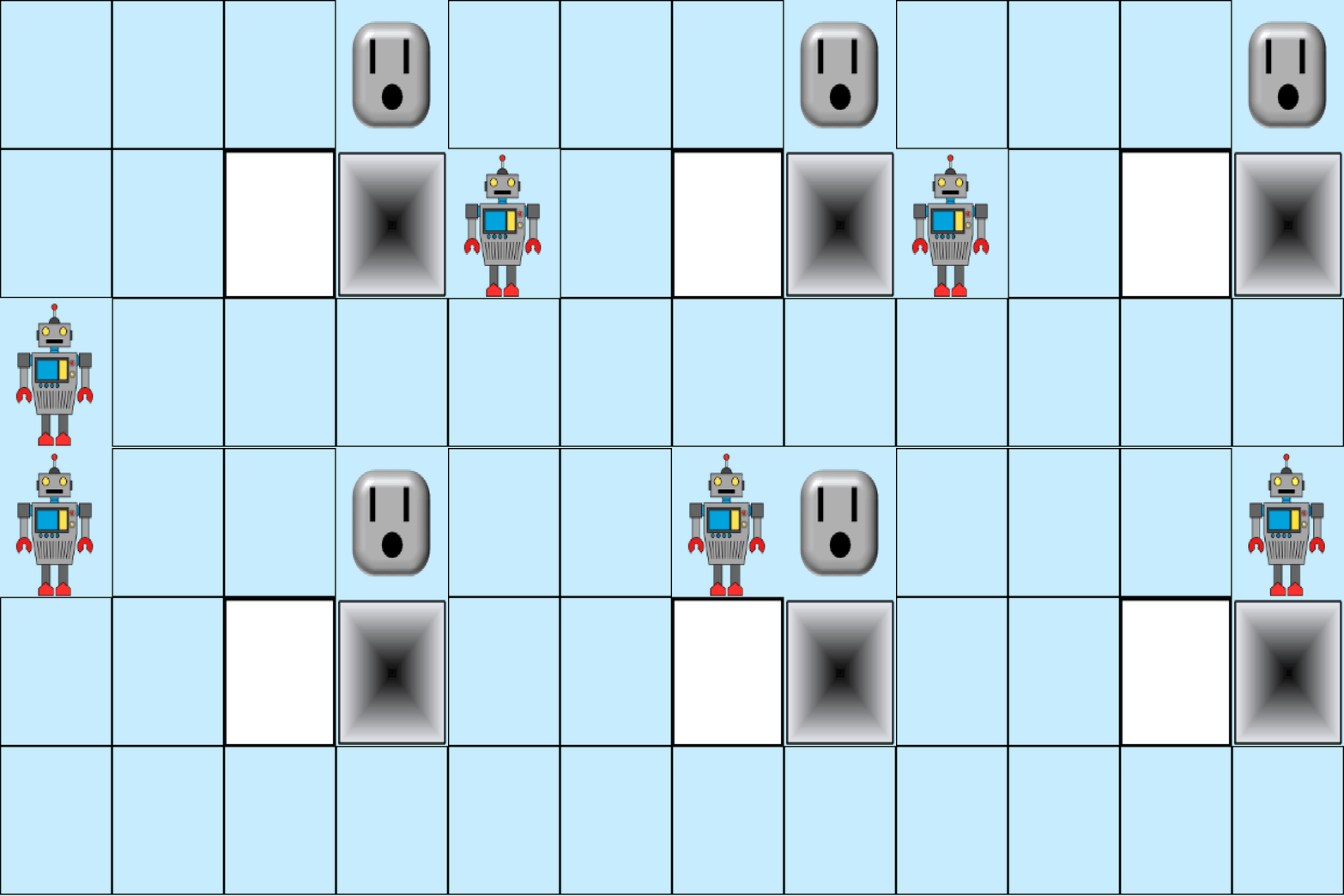
This demo shows how a human can operate the agent using keyboard commands. The KeyboardPolicy is typically meant for environments with discrete actions. When the agent has continuous action inputs, the keyboard executes the maximum or minimum action in a bang-bang fashion. The KeyboardPolicy can also be used in a blocking or non-blocking mode, where blocking will wait for a key press at each step of the environment, but non-blocking will use the presses as they come.
[1]:
# Imports for the environment
from prt_rl.env.wrappers import JhuWrapper
from prt_rl.utils.runners import Runner
from prt_sim.jhu.robot_game import RobotGame
[2]:
env = JhuWrapper(
    environment=RobotGame(),
    render_mode="rgb_array"
)
Import and Configure KeyboardPolicy#
[3]:
from prt_rl.utils.policy import KeyboardPolicy
policy = KeyboardPolicy(
    env_params=env.get_parameters(),
    blocking=True,
    key_action_map={
        'up': 0,
        'down': 1,
        'left': 2,
        'right': 3,
    }
)
Configure Runner#
[4]:
from prt_rl.utils.runners import Runner
from prt_rl.utils.recorders import GifRecorder
from prt_rl.utils.visualizers import PygameVisualizer
runner = Runner(
    env=env,
    policy=policy,
    recorder=GifRecorder(
        filename="keyboard_policy.gif",
        fps=5
    ),
    visualizer=PygameVisualizer(
        fps=5,
        caption="Robot Game"
    )
)
[5]:
runner.run()